
Plan window and door production by checking order readiness, balancing station capacity, grouping compatible jobs, and reviewing the batch before release.
A made-to-order window or door schedule has to account for the approved specification, parts availability and the route through the factory. The plan below shows how to get from a list of confirmed orders to a batch the shop can reasonably complete.
What should be ready before you schedule an order?
Check that the customer has approved the item and that the dimensions, handing, finish and glass match the accepted quote. Confirm the requested ship or delivery date separately from the production date. If a change is still awaiting approval, put it on an exception list with an owner and a review time. The custom window and door quoting guide shows how to identify the version that should move into production.
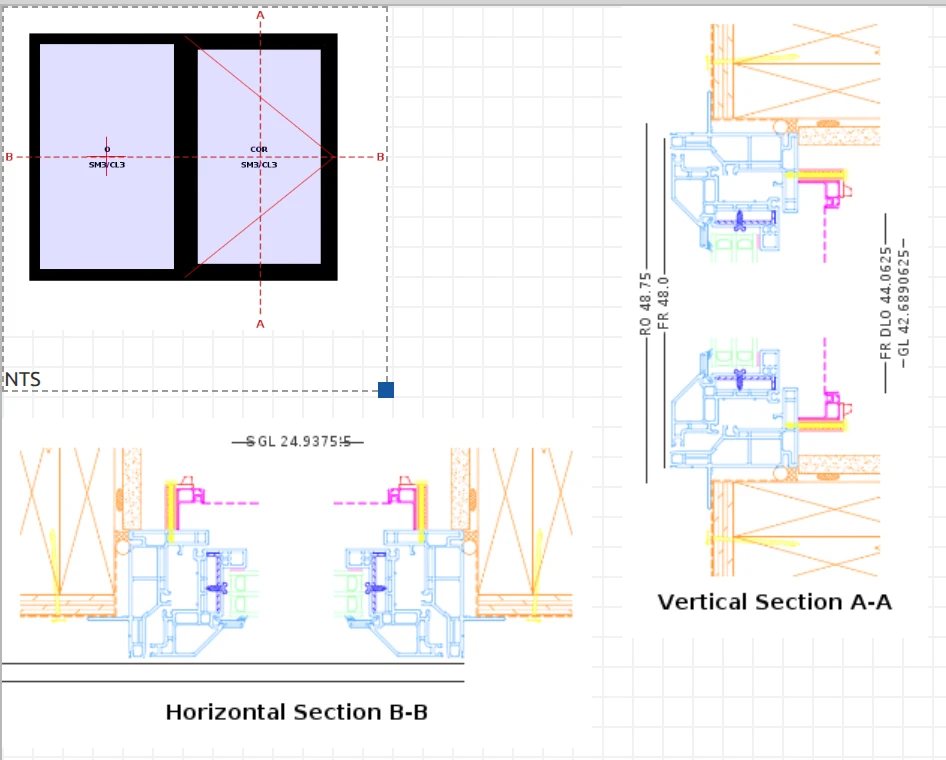
Check which materials are on hand and which are expected from suppliers. Look at the components that can delay the whole unit, such as special glazing or a series-specific hardware set. Use the window manufacturing BOM and cut list guide to verify quantities and the output linked to the approved configuration. A drawing is valuable for validating the design. The material and station outputs answer separate questions.
How do you schedule made-to-order windows and doors?
- Work backward from delivery. Allow time for packing, staging and shipment, then check how much production time the job needs before that handoff. A delivery promise should reflect the route and the materials available for that order.
- Load the bottleneck first. Find the station that limits output on the relevant route. Compare the work already assigned against the usable shift capacity. Use the unit that reflects the work at that station, such as units per shift or estimated processing time.
- Group compatible jobs. Combine work with compatible routes and reasonable delivery windows. A shared color or profile can make a batch more convenient, but the grouping also needs to respect material readiness, capacity and the customer’s due date.
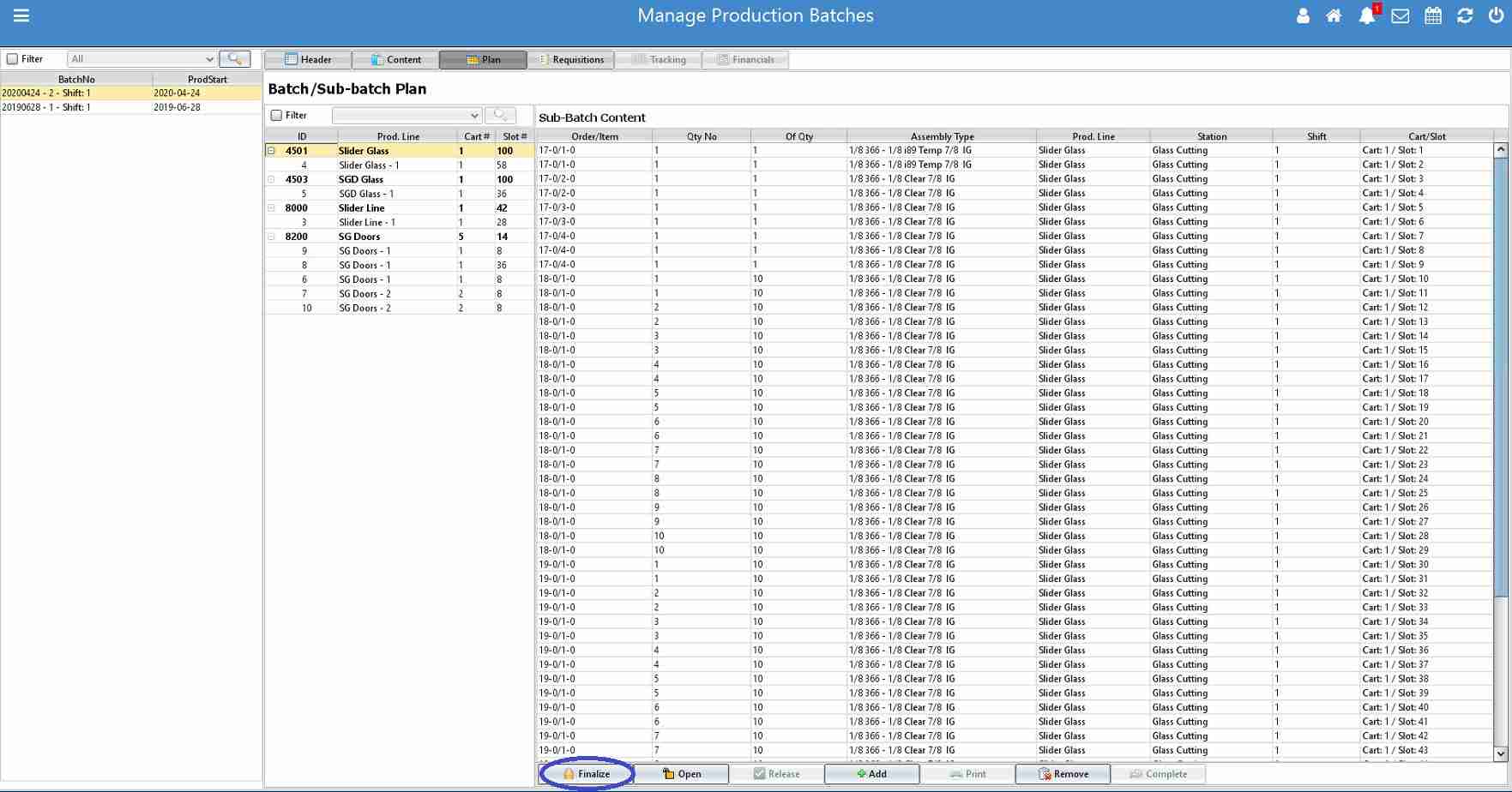
- Review the batch before release. Confirm order and item quantities, shifts, stations and the published work instructions. Make sure the floor knows which batch is released and who can authorize changes after that point.
OpenJanela documents production line and station setup, including routes, shifts, capacity and bottleneck settings. Its production batch documentation shows how to review batches and their contents.
Worked example: a glazing station with 30 available slots
Suppose a line has 30 glazing slots available on one shift. Two orders are ready to build and a third needs special glass. For this example, assume each unit consumes one slot and the first two orders can use the same route. A real schedule may need different allowances for fixed units, casements or complex assemblies.
| Order | Ready to release? | Planner’s decision |
|---|---|---|
| A · 18 white casements | Yes | Allocate 18 glazing slots. |
| B · 10 white fixed units | Yes | Allocate 10 slots if the route and delivery window are compatible. |
| C · 12 units with special glass | Glass pending | Keep on hold and review the next available slot after delivery. |
The two ready orders consume 28 of the 30 slots. The remaining two slots can absorb small interruptions or be used for another confirmed job if it fits the route and due date. The third order stays on hold until the glass is available and the planner checks the next realistic slot. Listing it as scheduled on that shift would make the plan look full without making the glass arrive any sooner.
What changes if a priority order arrives late?
Estimate the load at the constrained station before moving anything. If an urgent order needs six glazing slots, the example has room for only two. The planner must identify which work can move, when it can run and which due dates are affected. Let sales or shipping confirm any revised promise. A priority flag is useful for decision-making when the related change in capacity is visible.
When should you hold or reschedule a job?
Hold a job if a required material is missing, the approved design does not match the released instructions, or a required machine or station is unavailable. Assign someone to resolve the issue and specify what evidence clears the hold. A glass delivery confirmation and a corrected hardware rule are different resolutions. Both should lead to a fresh review before the unit is released.
When changing an existing batch, check its release or finalization status. OpenJanela’s batch documentation describes adding confirmed orders to a batch that has not been finalized. If work has already reached the floor, make sure the operator can identify the current instruction and knows what to do with paperwork or machine files from the previous plan. Check your machine interface and production tracking setup if the change affects shop-floor output.
What should production planners monitor each day?
Look at the work ready to release, the load on the bottleneck, the orders on hold and the batches at risk of missing delivery. Compare planned versus completed units at the station that limits the line. If the same cause keeps blocking orders, such as incomplete glass specifications, fix it upstream where quotes and orders are reviewed.
Keep a short record of changes with the order, reason, responsible person and next check. At shift handoff, review the few decisions the next team needs to make. A clear list of exceptions helps the team decide whether a late job needs another production slot, a revised ship date or simply an updated status.
How do you connect the daily plan to the next shift?
Set a time for the planner and the shift lead to review the next batch together. Confirm which orders are ready, where unfinished work will wait and which material arrivals could change the sequence. Check that the handoff record shows the intended station, item quantity and due date. If a line is scheduled to build only part of a customer order, make the remaining quantity visible so it is picked up on the next shift.
Review the reason for any difference between the plan and what the shop finished. A slow station, a late component and a revision can produce the same shortfall, but each needs a different response. Use that information when setting the next shift’s commitments. For example, a regular delay at glazing may call for a different batch size, while a supplier hold may require moving a particular order and notifying the person who manages its delivery date.
How can you test production planning software with your own orders?
Bring three orders to a demo: one that is ready, one waiting for a purchased component and one that competes for your busiest station. Ask the team to show how it checks readiness, loads the shift, groups work and reviews a change before release. Explore OpenJanela window and door manufacturing software to see the route from an approved order to a production batch.